// SMALL BUSINESS
Workflow Automation Software: A Plain-Language Buyer's Guide for Small Business
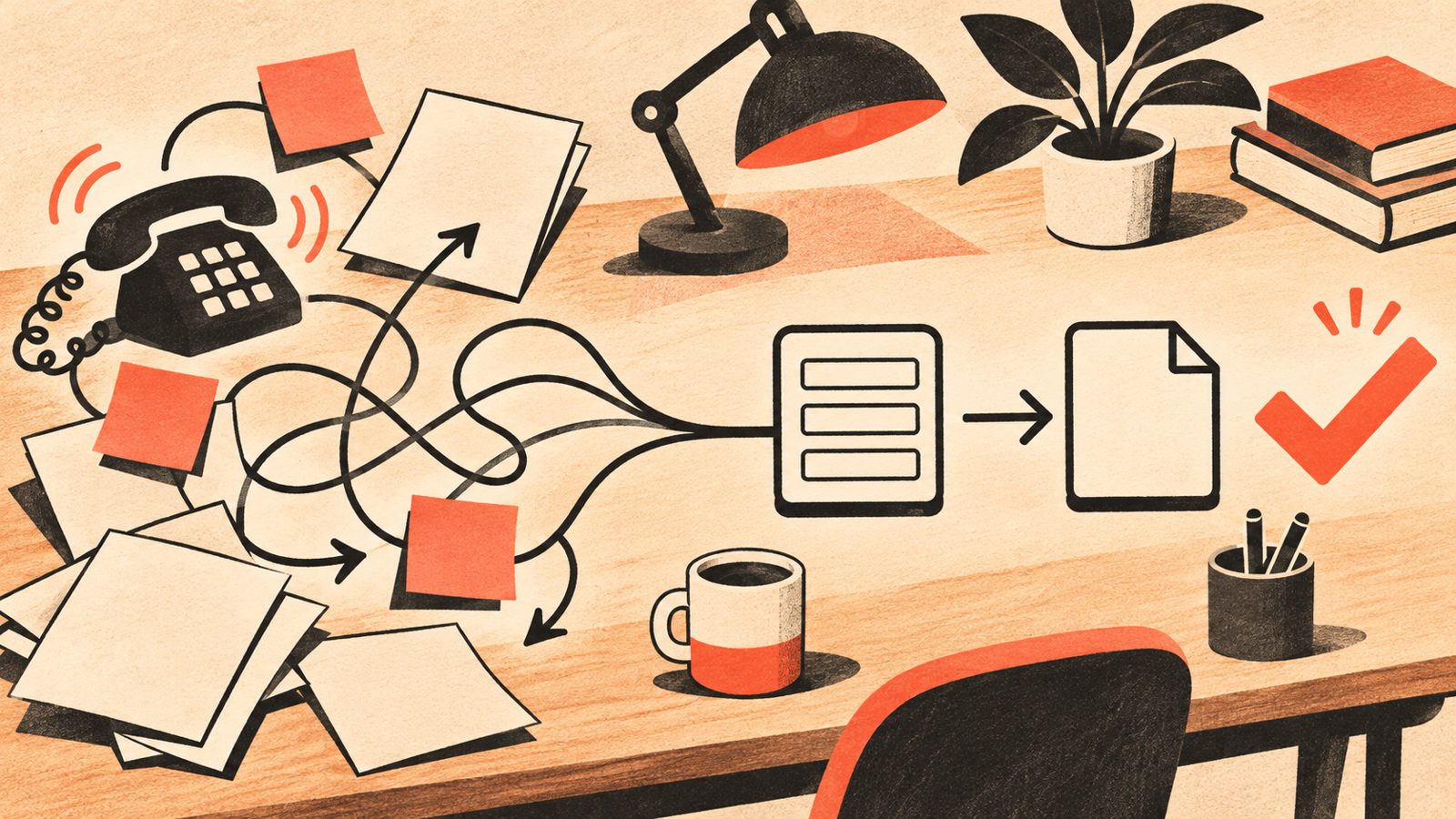
Type "workflow automation software" into Google and the same page one shows up every time: a listicle ranking ten or more tools by star rating, or a tool vendor's own blog explaining why its product is the answer. What is missing is the one thing most small business owners actually need first: a plain answer to whether they need this kind of software at all, and what the real alternative looks like if they do not want to build and manage it themselves. Workflow automation software is a category of tools that connect the different apps and spreadsheets a business already uses, and move information between them automatically once a trigger happens, such as a new form submission or an invoice being marked paid. It is a real and useful category. It is also only one of at least three ways a small business can get the same repetitive work handled, and a listicle comparing twenty tools cannot tell you which of those three ways actually fits your situation. This guide covers what workflow automation software actually does, how to tell if your business needs it yet, what it typically costs once every piece is added up, and how it is different from paying a service to build and run the automation for you.
Why is choosing workflow automation software so confusing?
Three things make this harder than it should be.
The first is that most roundups of the best workflow automation tools assume you have already decided to buy software, and jump straight to ranking products. None of the pages checked for this guide asked whether a business needed a dedicated tool at all, or whether a feature already inside an app it uses, such as an email rule, a form notification, or a booking page, would cover the same ground for free.
The second is pricing that does not add up to a real number. Most tool pages quote a price starting at a low figure per user per month, with the features a business actually needs often reserved for a higher tier. Add a few team members and one or two premium features, and the quoted price can be several times higher by the time anyone would actually use it.
The third is that workflow automation gets used as a label for very different kinds of products. Project and task boards, document approval systems, no-code app connectors, and AI powered automation are all marketed under the same phrase. They solve different problems, and treating them as interchangeable is how a business ends up paying for the wrong one.
What does workflow automation software actually do?
Underneath the marketing language, workflow automation software does one of a small number of things. A trigger happens, such as a form being submitted, an email arriving, or a date being reached. The software checks a condition, such as whether a field is filled in or a value crosses a threshold. It then takes an action: creating a record, sending a message, moving a task, or alerting a person. Put enough of these trigger, condition and action steps together and you have a workflow. Some providers market this same idea as business process automation software, or describe wanting to automate workflow steps a team currently does by hand; the underlying mechanics are the same whatever label is used.
The tools reviewed for this guide fall into a few recognizable groups. No-code connectors link your existing apps together without anyone writing code. Project and task tools add automation rules on top of a board your team already works from. Form and approval tools automate one specific document or approval chain. And a newer group adds AI directly into the workflow, reading an unstructured message such as an email and turning it into something the rest of the workflow can use, rather than only moving already structured data between fields.
Most small businesses do not need all four groups at once. The right starting point is almost always the single task that currently eats the most time, not the tool with the longest feature list.
What would a workflow automation project actually look like for a small business?
Setting up workflow automation software, on your own or with help, tends to move through the same stages regardless of which tool is involved.
First, pick one task to automate: the one that repeats often, has clear steps, and currently takes real time away from paying work. A new customer enquiry that needs to be logged, acknowledged and assigned is a common starting point.
Second, write down the current steps exactly as they happen today, including the messy parts, such as information that currently lives only in someone's head or a sticky note. A workflow built on an incomplete picture of the real process will miss cases later.
Third, build or configure the automation in the chosen tool, connecting the specific apps involved (your email, your calendar, your customer list, your invoicing tool) and setting the trigger, condition and action steps.
Fourth, test it against real past examples from your own business, not a generic demo scenario, before trusting it with live customers.
Fifth, decide where a person must still approve the result before anything goes out, especially for anything involving money, a promise to a customer, or sensitive information.
Finally, revisit it periodically. A workflow that works perfectly on day one can quietly break months later when a connected app changes its layout or your process changes, and nobody notices until something falls through.
Do you actually need workflow automation software yet?
None of the roundup articles checked for this guide ask this question directly, so here is a plain way to check.
Start with a free option already inside the tools you use. Most email providers, calendar apps and accounting software include built in rules, filters or automatic reminders. If a mail filter, a booking page, or your invoicing software's own reminder feature already covers the task, dedicated workflow automation software is solving a problem you do not have yet.
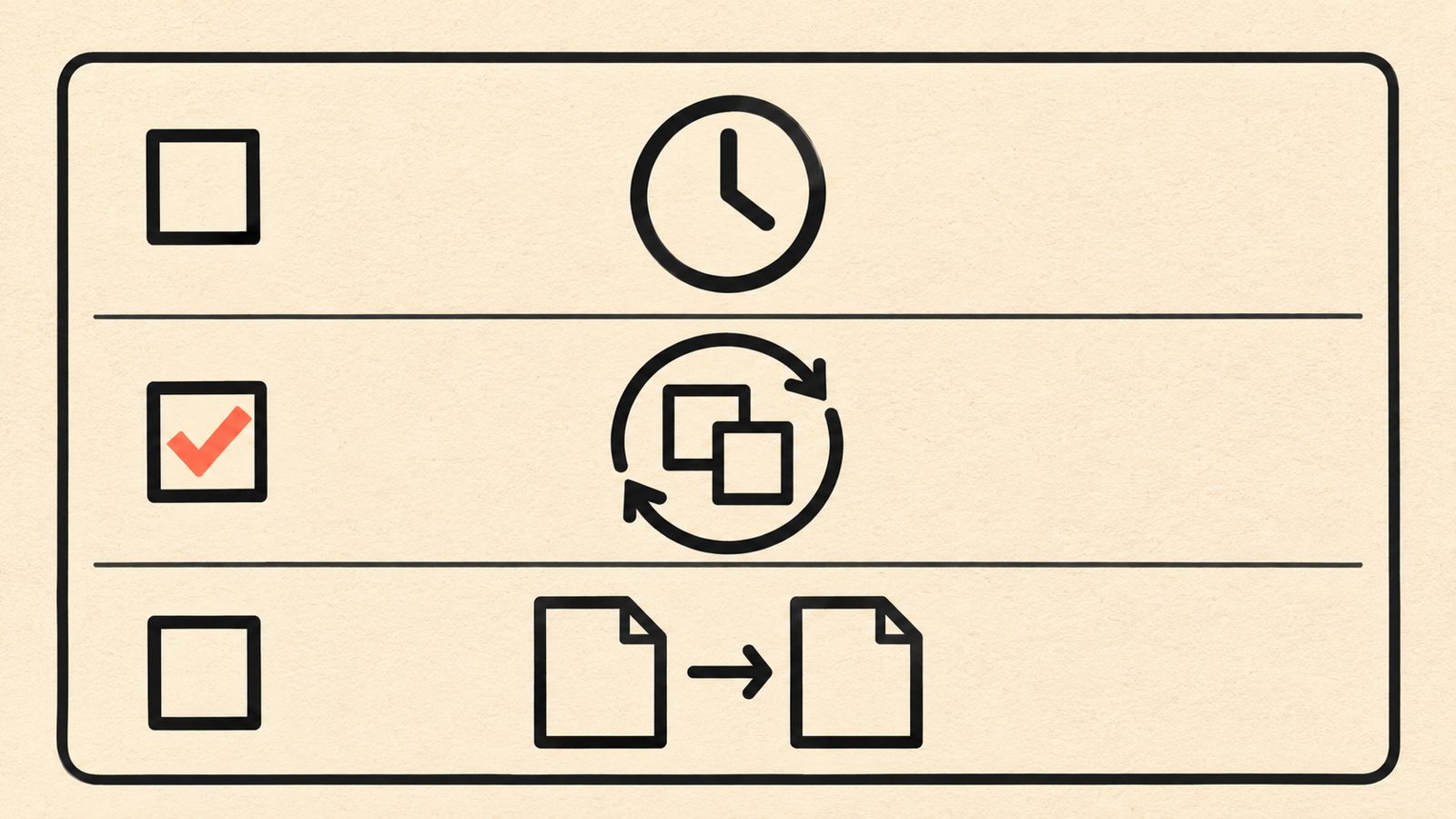
If that does not cover it, ask three questions about the task you want to automate. Does it happen often enough to matter, at least a few times a week, rather than once a month? Does it follow the same steps almost every time, rather than needing judgment case by case? And does it currently involve copying information between two or more separate tools or spreadsheets by hand? A task that answers yes to all three is a strong candidate for workflow automation software. A task that answers no to any of them is usually better handled manually for now, since a complex, judgment heavy process does not get simpler just because software is involved.
If you are still unsure, spend one week writing down every time you do a repetitive, multi step task and roughly how long it takes. That log tells you quickly whether the time adds up to something worth automating, and it gives any tool or provider you talk to afterward something concrete to respond to.
DIY software or a managed automation service: what is actually different?
Every tool reviewed for this guide assumes you or someone on your team will build, test and maintain the automation yourselves. That is a real option, and it suits a business with some comfort figuring out new software and time to spend on the setup. It is worth being plain about what that actually involves before choosing it.
Building it yourself means learning the tool's own way of describing triggers, conditions and actions, which varies between products and is rarely obvious on the first try. It means testing the workflow against enough real examples to trust it, which takes longer than most product pages suggest. It means being the person who notices when a connected app changes its layout and quietly breaks the automation. And it means paying the software subscription whether or not anyone has time to build anything with it this month.
A managed automation service, where a provider designs, builds, tests and maintains the workflow for you, trades a lower monthly software bill for a setup cost and an ongoing arrangement, in exchange for not having to be the one who learns the tool, tests it properly, and fixes it when something breaks. This tends to make more sense when the task is worth real money if it goes wrong, when nobody on the team has the time or inclination to learn a new tool properly, or when the workflow needs to read and interpret an unstructured message such as an email or an enquiry, which most self-serve tools handle more roughly than a service built around that specific kind of work.
Neither option is automatically better. A simple, low stakes task with someone willing to learn the tool is a reasonable do it yourself project. A task that touches customer promises, money, or a steady volume of unstructured enquiries is usually worth the extra cost of getting it built properly the first time.

What should you check before you buy workflow automation software?
Work through this list before paying for any tool.
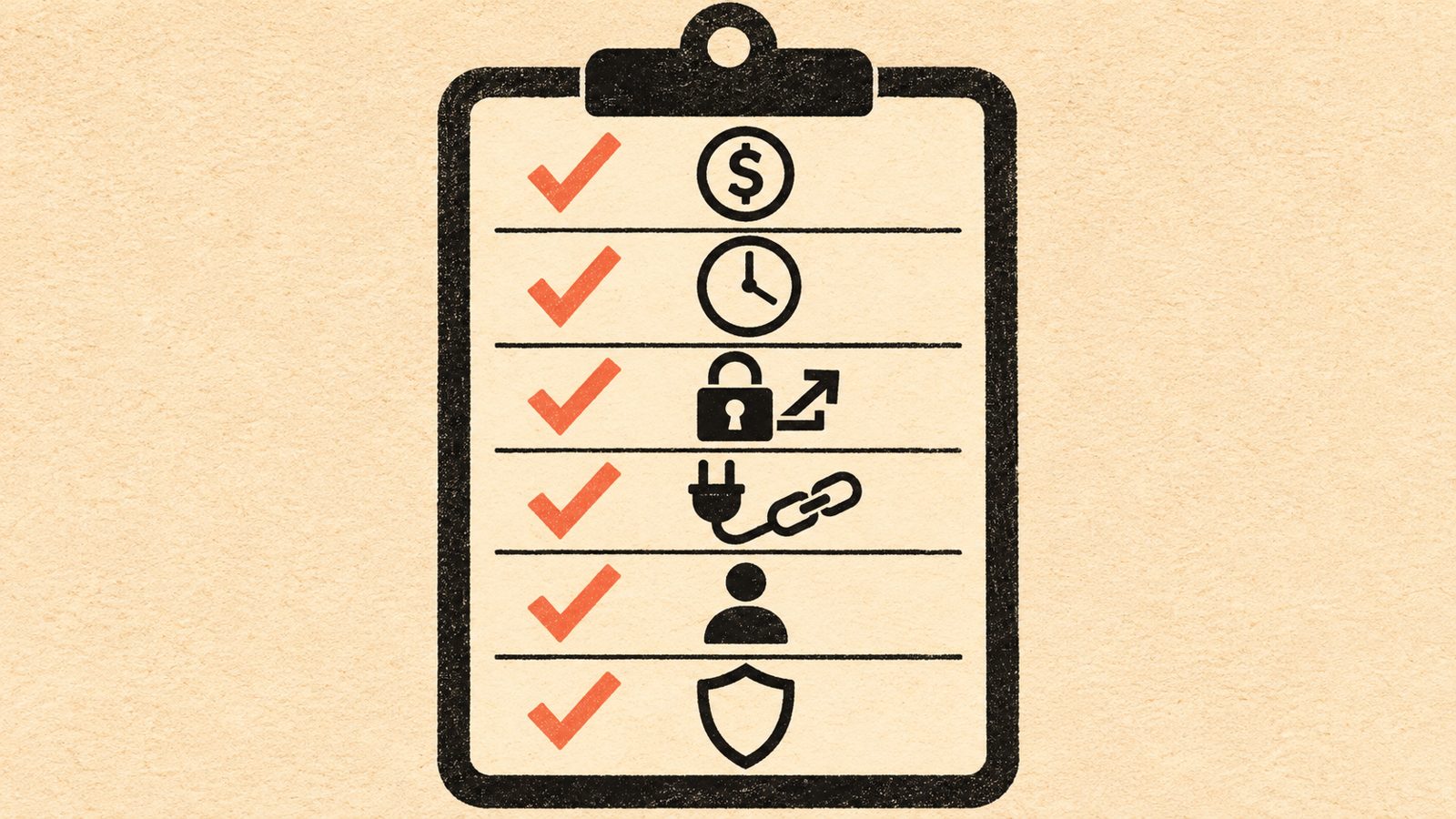
What is the real price once your team and your actual usage are included, not the lowest advertised tier? Ask for, or calculate, the monthly cost at your current team size and the features you would actually use, not the entry level demo.
How long is the free trial, and does it let you test with your own real data and your own connected apps, or only a sample scenario? A trial that cannot touch your actual accounts tells you little about whether the tool will fit.
What happens to the automation and the data inside it if you cancel? Some tools let you export your workflow logic and records; others effectively keep both inside their platform.
Does it connect, without extra cost or a developer, to the specific apps your business already uses? A tool with thousands of possible integrations is not useful if the two or three you actually need are not among them, or sit behind a higher paid tier.
Who on your team would actually build and maintain it? Some tools are usable by a non-technical owner with a little patience. Others assume a level of comfort with conditional logic that takes real time to learn.
How is customer or employee information handled inside the tool? Ask plainly where data is stored and who can access it. In Canada, privacy obligations can apply to how customer information is collected and stored, so this is worth a direct answer, not a vague one.
What does this look like in practice?
These are examples of how the decision test above plays out, to make it concrete. They are examples only, meant to illustrate the kind of situation each path suits, not a guarantee of any specific outcome.
Example: a two person bookkeeping practice spends close to an hour a day copying new client details from an intake form into its practice management software by hand. The task happens daily, follows the same steps every time, and involves moving data between two tools by hand. It is a strong candidate for a no-code connector, and since one of the owners is comfortable learning new software, building it themselves is a reasonable starting point.
Example: a landscaping company receives a steady stream of quote requests by phone, text and a website form, each worded differently, and currently loses track of which ones were followed up. The task involves reading unstructured messages and deciding what to do with each one, which most self-serve tools handle roughly. This is closer to the kind of task a managed automation service, built around reading and sorting that specific type of message, tends to handle more reliably than a generic connector.
Example: a small retail shop wants to send a thank you message after every online order. Most ecommerce platforms already include this as a built in feature. Paying for separate workflow automation software for this one task would be solving a problem the shop's existing platform already solves for free.
Who does workflow automation software suit, and who should wait?
Workflow automation software tends to suit a business with at least one clear, repeated, structured task, someone on the team willing to learn a new tool, and a real willingness to test it properly before trusting it with customers. It fits especially well when the task mainly involves moving already structured information, such as a form field, a date or a status, between tools that do not currently talk to each other.
It is probably too early if your process itself is still changing month to month, since automating an unsettled process usually locks in the confusion rather than removing it. It may also be the wrong fit if the task mainly involves reading and judging unstructured messages, such as varied customer enquiries, where a managed service built around that specific kind of work tends to perform more reliably than a generic connector.
And it is probably not worth the subscription yet if the task happens only occasionally, or if a feature already included in software you already pay for would cover the same ground. Add up what you would actually pay across every tool, every user seat and every month before deciding, not just the lowest number on the pricing page.
What good workflow automation can add, once it fits
- +Real time back, measured carefully
Automating a truly repetitive task frees up hours that were previously spent copying, chasing or retyping information.
- +Fewer dropped enquiries
A logged, tracked workflow is less likely to lose a customer request than a shared inbox or a handwritten note.
- +A record you can hand to someone else
A documented workflow means the process does not live only in one person's head.
- +Room to start small
One well chosen workflow can prove the idea before you commit time or budget to a larger setup.
- +Fewer copy paste mistakes
Moving information automatically removes a common source of small, costly data entry errors.
- +A foundation for later automation
A first workflow, done properly, often makes the next one easier to add.
What does workflow automation software actually cost, and what should you ask?
Workflow automation software is usually priced as a monthly subscription per user, with basic triggers and actions included in a lower tier and more advanced features, higher usage limits or more connected apps reserved for higher tiers. The number on the pricing page is rarely the number you would actually pay once your team size and real usage are included, so the full cost has several parts: the subscription itself at your actual team size, any usage based charges for high volume automations, the time spent setting it up and testing it properly (even if that time is your own and feels free, it is not), and the ongoing time spent fixing it when something changes.
A managed automation service is usually priced differently: a setup cost for the initial build, sometimes structured as a paid discovery phase, and either an ongoing monthly arrangement for support and changes or a one time handoff. Because the factors that drive cost, such as how many workflows, how many tools to connect, how ready your existing information already is, and whether ongoing support is included, vary so much between businesses, we do not publish a single figure here, and the same caution applies to any provider that quotes a firm number before looking at your actual process.
What is worth asking directly, whether you are comparing software tiers or a service proposal: what is the real monthly cost at your team size and actual usage, not the lowest advertised tier? Is support or maintenance included, or billed separately? What happens to your workflow and your data if you cancel or switch providers? And how long, realistically, until the automation is actually running and trusted with real customers?
A sensible next step is a short, low pressure conversation about your specific situation. Message us on WhatsApp at +1 306-518-7811 or call +1 833-998-1234. You can also book a free 15-minute discovery call at underdogcreativesolutions.com/contact.
How Underdog approaches [AI business automation](/services)
Underdog Creative Solutions is a Saskatoon based agency working with small and growing businesses across Canada and the United States. Our AI business automation work, including custom AI agents, CRM automation and AI integrations, is built around your actual repetitive tasks rather than sold as a one size fits all package, and wherever possible it connects the tools you already use instead of asking you to move your business onto a new platform.
We also build websites, create ongoing content and set up AI receptionists, and for many businesses these connect naturally. A modern website that Google and AI tools such as ChatGPT can read gives customers a clear place to find you. Ongoing content builds visibility over time. An AI receptionist answers calls and messages and captures the details. Automation then carries that information into your customer list, your calendar and your follow ups, without anyone retyping it.
You do not need all four to start. Most businesses begin with whichever one is causing the most day to day friction, and we would rather help you work out which that is than sell you a bundle you do not need yet.
Frequently asked questions
Talk to Underdog about your business
Have questions about your website, content, AI receptionist or business automation? Message us on WhatsApp at +1 306-518-7811 or call +1 833-998-1234. You can also email support@underdogcreativesolutions.com.
Follow Underdog Creative Solutions on Facebook, Instagram, LinkedIn, and YouTube for practical AI and marketing ideas for Canadian small businesses.