// SMALL BUSINESS
Social Media Scheduling Tools: Do You Actually Need One Yet

You post when you remember to. Some weeks that is three times, other weeks it is once, usually late on a Friday because you just noticed nobody has heard from the business since last Tuesday. A friend or a competitor mentions a social media scheduling tool, and it is a fair question: would one actually help, or is it just another subscription to manage on top of everything else? A scheduling tool becomes worth paying for once posting by hand is eating real time every week, not before that point. If you are posting to one platform a few times a month, a free native scheduler built into that platform is usually enough. If you are juggling two or three platforms, forgetting to post for stretches, or spending a chunk of Sunday evening trying to catch up, a dedicated tool starts to earn its cost. This guide walks through the actual signs, what to look for if you do get one, and what a scheduling tool will not fix for you.
Why does keeping up with social media start to feel unmanageable?
Posting consistently sounds simple until you are the one doing it alongside running the rest of the business. A few things tend to pile up at once.
The first is platforms. A cafe might want to post on Instagram for the visuals, Facebook because that is where regular customers already are, and maybe Google Business Profile updates for anyone searching nearby. Each platform has its own app, its own best times, and its own quirks, and logging into three apps to post the same photo three times gets old fast.
The second is memory. Posting well depends on a backlog of small ideas: the new seasonal item, the behind the scenes shot from a slow Tuesday, the reminder about holiday hours. Without somewhere to park those ideas as they occur to you, most of them never turn into a post. They get thought of in the shower and forgotten by the time you are at a keyboard.
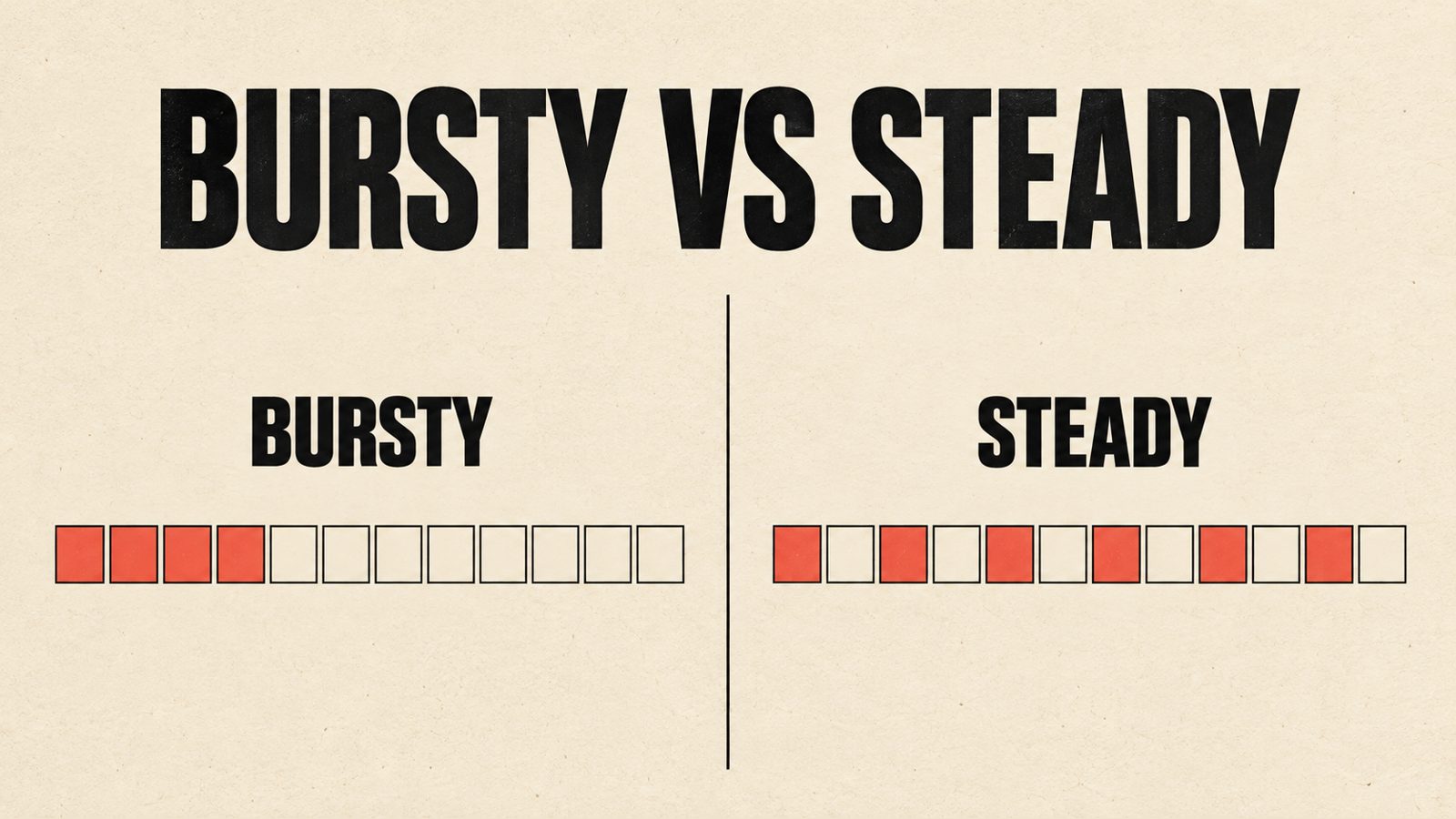
The third is consistency itself. Search engines and social platforms both tend to reward accounts that post somewhat regularly over accounts that post in bursts and then go quiet for a month. That does not mean posting daily is required. It means long silent gaps followed by a flurry of five posts in one afternoon are a worse pattern than a steady, modest cadence.
None of this means you are bad at marketing. It means the admin side of a simple task, deciding what to post, where, and when, grows faster than the time available for it, especially once more than one platform is involved.
What does a social media scheduling tool actually do?
At its simplest, a social media scheduling tool lets you write and queue up posts in advance, then has them publish automatically at the times you choose, across whichever platforms you have connected. Most also give you a calendar view so you can see at a glance what is going out and when, and some add basic reporting on how posts performed afterward.
A quick note on terminology, since the names overlap. A content calendar tool usually refers to the planning side: a shared view of what is going out and when, sometimes without the actual publishing built in. A social media scheduling tool adds the publishing step on top of that. A full social media management platform usually bundles scheduling with extras such as monitoring mentions, managing comments from one inbox, or running paid ads, which is more than most small businesses need to start.
It is worth being clear about what a scheduling tool does not do. It will not come up with what to post. It will not write captions that sound like your business instead of a generic template. It will not take or choose your photos. All of that is still on you, or on whoever handles content for you. A scheduling tool manages the handoff between content that already exists and the moment it goes live. If the real problem is that you do not have anything ready to post, a scheduling tool will not solve it, and no amount of automation changes that the content itself still needs to be made.
What are the signs it is actually time to use one?
A few patterns are a reasonably reliable signal that a scheduling tool would save real time rather than just being a nice to have.
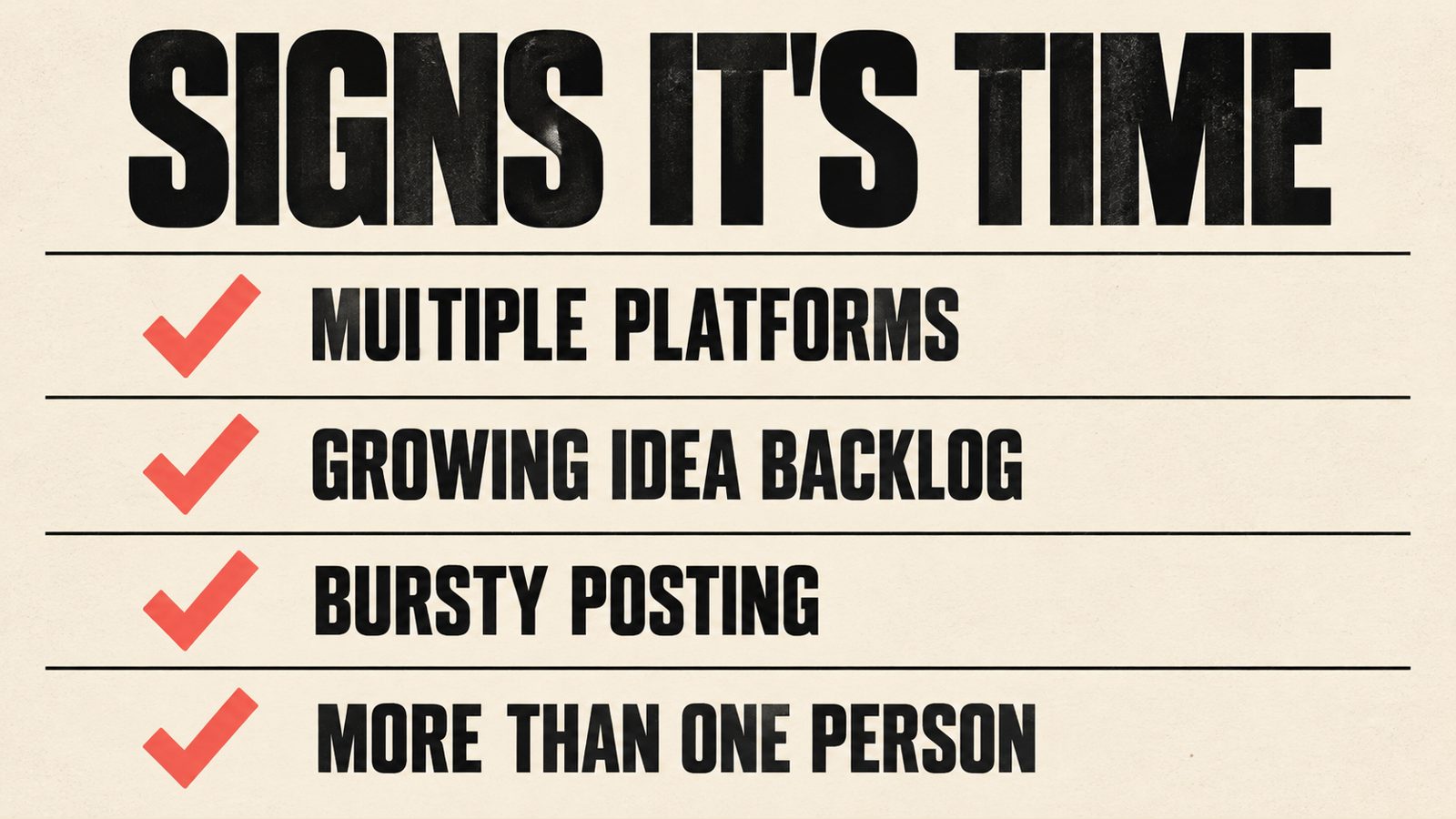
You are posting to more than one platform regularly. Logging into two or three separate apps to publish the same update, with small adjustments for each one, is exactly the kind of repetitive task scheduling tools are built to remove.
You have a backlog of ideas that never make it out. If you keep a running note of things you meant to post about, and that note keeps growing while posts stay rare, the bottleneck is not ideas, it is turning them into something scheduled before the moment passes.
Your posting is bursty rather than steady. A flurry of posts after a slow stretch, followed by another long gap, is a common pattern without a plan. Scheduling a batch of posts in one sitting, spread across the following two or three weeks, tends to smooth that out.
More than one person touches your content. Once a second person is drafting captions, picking photos, or approving posts before they go out, a shared calendar view becomes actually useful rather than optional, since it replaces a back and forth over text or email about what is going where.
If none of these describe your situation yet, posting directly through each platform's own free scheduler, or just posting live a few times a week, is a reasonable place to stay for now. There is no prize for adopting a tool before you need one.
What should you actually look for in a tool, if you decide to get one?
The scheduling tool market is full of long comparison lists ranking a dozen products against each other on features most small businesses will never touch. A shorter list of what actually matters is more useful.
A simple calendar view. You should be able to see, at a glance, what is scheduled and when, without digging through menus. If the calendar view is confusing, the tool is working against you rather than for you.
Support for the platforms you actually use. Check this before anything else. A tool that handles Instagram and Facebook well but only partially supports a platform you rely on, such as a limited posting format or no direct publishing at all, is not a fit no matter how good its other features look.
No more complexity than you need. Features such as built in analytics, a shared team inbox for comments, or hashtag suggestion tools can be a real benefit for a larger operation, and dead weight for a one or two person business that mostly wants to stop forgetting to post. Paying for a bundle of features you will not open is money that could go toward something else.
A free or low cost starting plan. Several tools offer a free tier that covers a handful of scheduled posts a month, which is often enough for a business posting a few times a week to one or two platforms. It makes sense to start on whatever free plan covers your current posting volume and only pay once you outgrow it, rather than guessing at a paid tier upfront.
A tool is a means, not a strategy. Choosing one should take an afternoon, not a month of comparison shopping. If you find yourself still researching scheduling tools after a few hours, that time is probably better spent drafting the next two weeks of posts instead.
Does scheduling posts in advance actually hurt engagement?
This is a common worry, and it is worth answering directly: there is no solid evidence that scheduling a post through a third party tool reduces how many people see it, compared with posting the same content live. Instagram's own head of product has said publicly that scheduling content does not affect reach, positively or negatively, and no major platform has published guidance saying otherwise.
What does affect how a post performs is mostly the same whether it was scheduled or posted live: how relevant and well suited the content is to the platform, whether the opening seconds of a video or the first line of a caption earns attention, whether you post at a time your audience is actually around, and whether someone responds to comments after it goes out. A scheduled post that nobody replies to afterward will underperform for that reason, not because it was scheduled.
The one real limitation is technical rather than about reach. Scheduling tools publish through each platform's official connection, and that connection does not always support every feature available inside the platform's own app, such as certain interactive sticker types or very new formats. If a specific feature is not available through your scheduling tool, that is a platform limitation on what the connection can do, not a sign that scheduling itself is being penalized.
What does this look like in practice?
These are examples to show how the decision plays out, not a template to copy exactly, since the right approach depends on how a given business actually operates.
Example: a cafe posting a few times a week. The owner posts photos of daily specials and the occasional event announcement, mostly to Instagram with the same photo cross posted to Facebook. Posting volume is low and steady, so the free scheduler built into Meta's own tools covers it completely. A paid scheduling tool would not add much here beyond what is already free.
Example: a home service business posting across three platforms. Between Facebook, Instagram and a company LinkedIn page, the person handling marketing was logging into three apps every time, and posts across platforms had started drifting out of sync, with Facebook sometimes going a week without an update. Batching two weeks of posts in one sitting and letting a scheduling tool handle the publishing across all three platforms turned an hour of scattered app switching into roughly twenty minutes once a fortnight.
Example: a seasonal retailer with sharp swings in demand. During the slow season, posting is occasional and easy to manage by hand. During the busy season, the same business wants to post daily about new stock and promotions, and trying to do that live every day on top of a much busier floor becomes unrealistic. Here, scheduling a batch of posts ahead of the busy season, with room left to post live for anything timely, is a reasonable middle ground rather than an all or nothing choice.
In every case, the business still had to decide what to post. The tool only changed how much manual effort it took to get that content out consistently.

Who should wait, and what should you do first?
A scheduling tool tends to suit a business posting to two or more platforms on a regular basis, with more than an occasional backlog of ideas that are not making it out, or more than one person involved in getting content ready. It also suits a business that already has a decent flow of content, photos, updates, things worth sharing, and mainly needs help getting it out the door on a schedule.
It is probably not worth it yet if you are posting to a single platform a few times a month, if you truly are not sure what you would post even with more time to post it, or if the real gap is that nobody has sat down to decide what the business should even be saying on social media. A scheduling tool organizes output. It does not create a content plan, and paying for one will not fix a content plan that does not exist yet.
If you are unsure which side of that line you are on, try this for two weeks before paying for anything: write down every social post you make or think about making, which platform it went to or should have gone to, and roughly how long it took from idea to published. If that list shows you juggling more than one platform or routinely letting ideas die unposted, a scheduling tool is a reasonable next step. If the list stays short no matter how long you track it, the gap is content, not scheduling, and that is worth solving first.
What a good scheduling tool can help with
- +Fewer app switches
Writing and publishing to several platforms from one place instead of logging into each app separately.
- +A visible backlog
Ideas get a home in a calendar instead of staying in your head or a scattered note.
- +Steadier posting
Batching a couple of weeks of posts in one sitting replaces the burst and silence pattern with something more even.
- +Easier handoffs
If more than one person touches content, a shared calendar replaces a back and forth over text about what is going where.
- +Room to still post live
Scheduling the planned content frees up time to post live for anything timely or spontaneous, instead of everything competing for the same narrow window.
What does a scheduling tool cost, and how should you decide what to pay?
Scheduling tools typically range from a free tier covering a modest number of posts a month, up through paid plans priced by how many social accounts you connect and how many posts or team members you need. Because pricing structures and what is included in each tier change often, and because the right plan depends entirely on how many platforms and posts you actually need to cover, specific figures are not quoted here. What matters more than any single number is matching the plan to your actual posting volume rather than a larger one you might grow into eventually.
A sensible approach: start on whatever free plan covers your current volume, track for a month whether you are running into its limits, and only move to a paid plan once you have a concrete reason to, such as needing more scheduled posts than the free tier allows or adding a second person who needs to see the calendar.
If you are not sure whether a scheduling tool is the right next step for your business, or you would rather talk through your actual posting habits before choosing anything, message us on WhatsApp at +1 306-518-7811 or call +1 833-998-1234. You can also book a free 15-minute discovery call at underdogcreativesolutions.com/contact.
Where Underdog fits into your content, if at all
Underdog Creative Solutions is a Saskatoon based agency working with small and growing businesses across Canada and the United States. Our content solutions work covers the part that comes before scheduling: planning what is actually worth posting, writing or helping write it, and putting together a realistic cadence a business can actually keep up with.
We also build websites, set up AI receptionists and handle AI business automation, and the four connect naturally for a lot of businesses. A modern website that Google and AI tools such as ChatGPT can read gives people somewhere to land once your content gets their attention. An AI receptionist and automation handle the enquiries that follow. None of that requires a scheduling tool specifically, and we are not in the business of selling scheduling software. If what you actually need is help deciding what to post and keeping up a steady cadence, that is where we can help, since the tool itself is a smaller decision that follows from having something worth scheduling.
You do not need all four services to start. Most businesses begin with whichever one is causing the most friction right now, and we would rather help you work out which that is than sell you a bundle you do not need yet.
Frequently asked questions
Talk to Underdog about your business
Have questions about your website, content, AI receptionist or business automation? Message us on WhatsApp at +1 306-518-7811 or call +1 833-998-1234. You can also email support@underdogcreativesolutions.com.
Follow Underdog Creative Solutions on Facebook, Instagram, LinkedIn, and YouTube for practical AI and marketing ideas for Canadian small businesses.