// SMALL BUSINESS
CRM Automation for Saskatoon Service Businesses
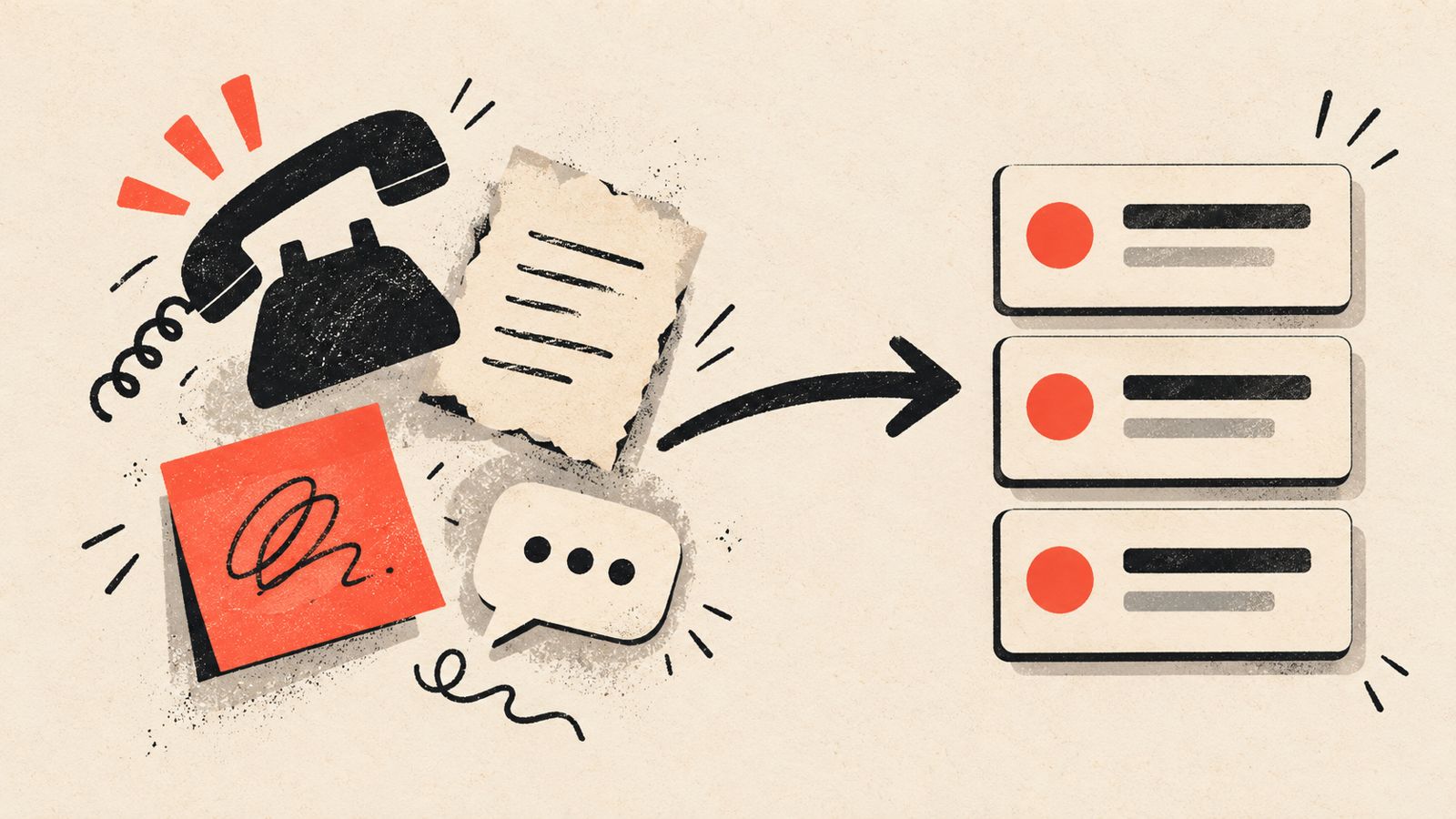
A quote goes out by email on a Tuesday afternoon. The customer replies two days later with one more question before deciding. Nobody sees the reply until the following Monday, because it landed in a shared inbox that only gets checked when someone remembers to, and by then the job has gone to whichever competitor answered first. Many Saskatoon service businesses will recognize this. CRM automation is the fix for exactly this kind of gap: not a new system, but rules inside the CRM, scheduling tool or spreadsheet a business already has, so that leads, quotes and follow ups do not depend on someone remembering to check.
Why leads and quotes go quiet as a Saskatoon business grows
A one person operation can usually keep everything in their head, or in a notebook on the dash of a truck. The trouble starts once a business grows past that point: a second phone picking up calls, a part time admin person entering quotes, a technician who also handles bookings between jobs. At that stage, a few patterns tend to show up inside whatever CRM, scheduling tool or spreadsheet the business already uses.
Leads sit unassigned because nobody owns the step of deciding who should respond. Quotes go out but nobody tracks whether the customer accepted, declined or just went quiet. The same lead gets followed up twice by two different people, or not at all, because there is no single record either of them trusts. Over time, the team stops trusting the system itself and falls back on private notes, side spreadsheets or a sticky note on a monitor, which makes the original system even less reliable.
None of this is really a question of effort. It is a question of whether the handoffs between steps (a new enquiry becoming an assigned lead, a sent quote becoming a scheduled job, a quiet lead becoming a follow up task) happen automatically or depend on someone remembering.

What CRM automation actually means
CRM automation is not primarily about buying new software. For many Saskatoon service businesses, it means setting up rules inside the CRM, scheduling tool or spreadsheet the business already has, so that routine steps happen without someone doing them by hand every time.
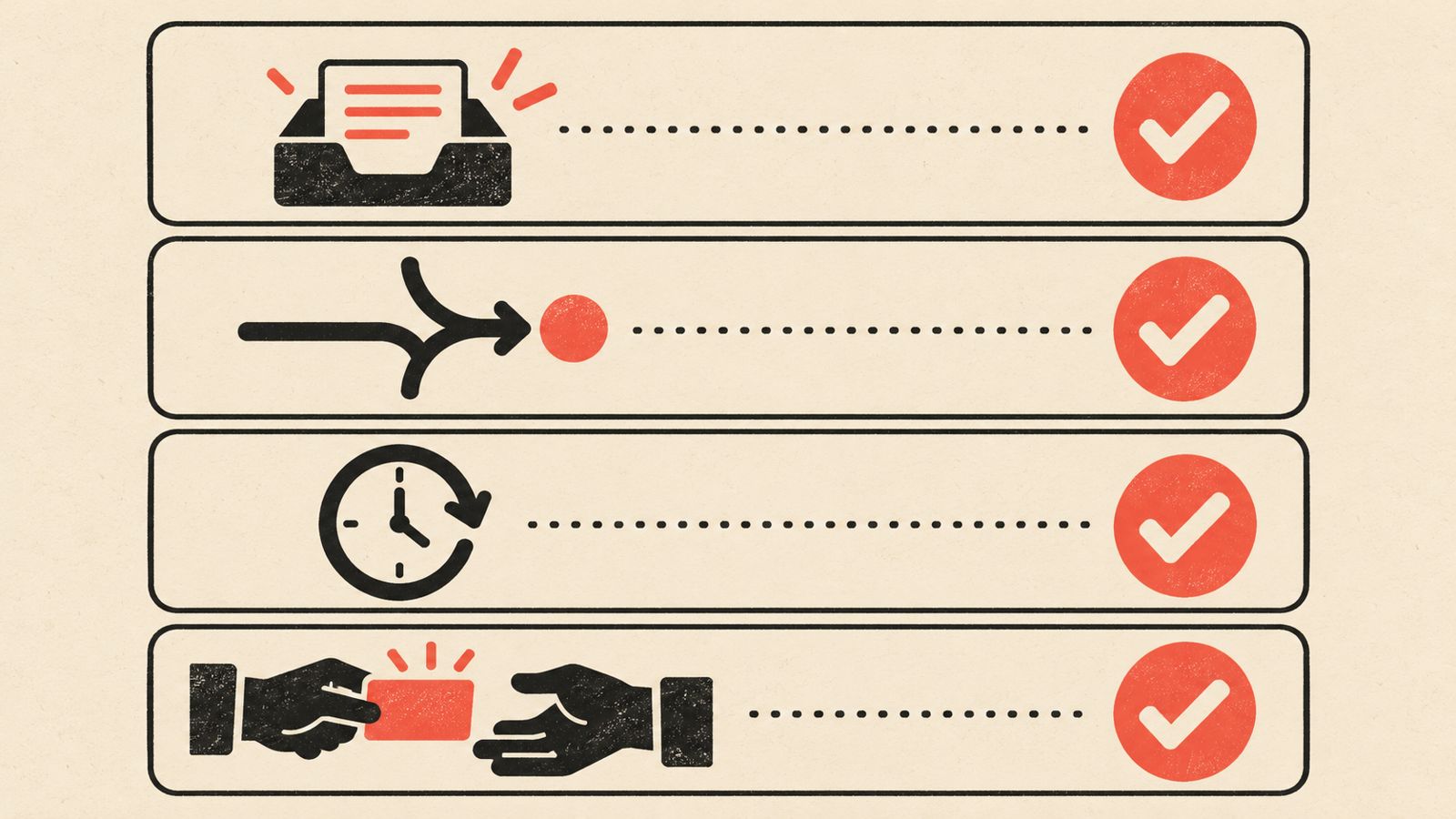
In practice this usually covers four kinds of steps: capturing a new lead from a call, text, form or email into one place automatically; assigning that lead to the right person instead of leaving it in a shared inbox; creating a reminder or task when a quote has gone out and needs a follow up; and updating a record automatically when a quote is accepted, so the job moves to scheduling without being typed in twice.
This is rule based automation, not artificial intelligence replacing a person's judgment. A business sets the rule (for example, if no reply within five business days, create a follow up task) and the system applies it consistently every time, which is exactly the part that tends to slip when it is left to memory.
For a true one person operation with a small, steady list of regular clients, a full CRM with automation may be more than is needed. A shared inbox rule and a calendar reminder can cover the same ground. Automation becomes worth setting up once more than one person is handling intake, or once the volume of leads and quotes makes it realistic for something to get missed.
What this looks like in practice for a Saskatoon trade or service business
The specific automations worth setting up depend on where leads and quotes actually get lost in a particular business, which is different for a plumber taking emergency calls than for a landscaping company booking seasonal contracts. A few patterns come up often enough to be worth checking for.
Lead capture into one place. Instead of a call going into someone's personal notes and a web form going into an email inbox, both get logged as a record in the same system, so nothing depends on which device or person happened to take it.
Example: a Saskatoon HVAC company could set up a rule so that every website enquiry and missed call automatically creates a CRM record and notifies whoever is on call that week, instead of enquiries sitting in a general inbox until someone has time to check it.
Assignment and ownership. A new lead is automatically assigned to a person or a queue the moment it comes in, rather than sitting unclaimed until someone happens to open that section of the system.
Follow up reminders. When a quote is marked as sent, a task is created automatically for a follow up after a set number of days if there has been no reply. The business decides the timing; the system just makes sure it actually happens.
Example: a landscaping company could set a rule that any quote with no response after five business days automatically creates a task for whoever sent it, rather than relying on that person remembering which quotes are still open.
Quote to job handoff. When a customer accepts a quote, that acceptance updates the record and can trigger a scheduling entry or a task for whoever books the job, instead of someone retyping the same details into a second system.
Duplicate and stale record flags. A rule that flags when the same phone number or email is about to be entered twice, or when a lead has had no activity in a long stretch, keeps the system from quietly filling up with clutter that makes it less useful over time.
Signs your CRM or spreadsheet needs cleaning up before you automate anything
Automation applied on top of messy data usually just automates the mess faster. Before adding rules and triggers, it is worth checking for a few common signs that the underlying records need attention first.
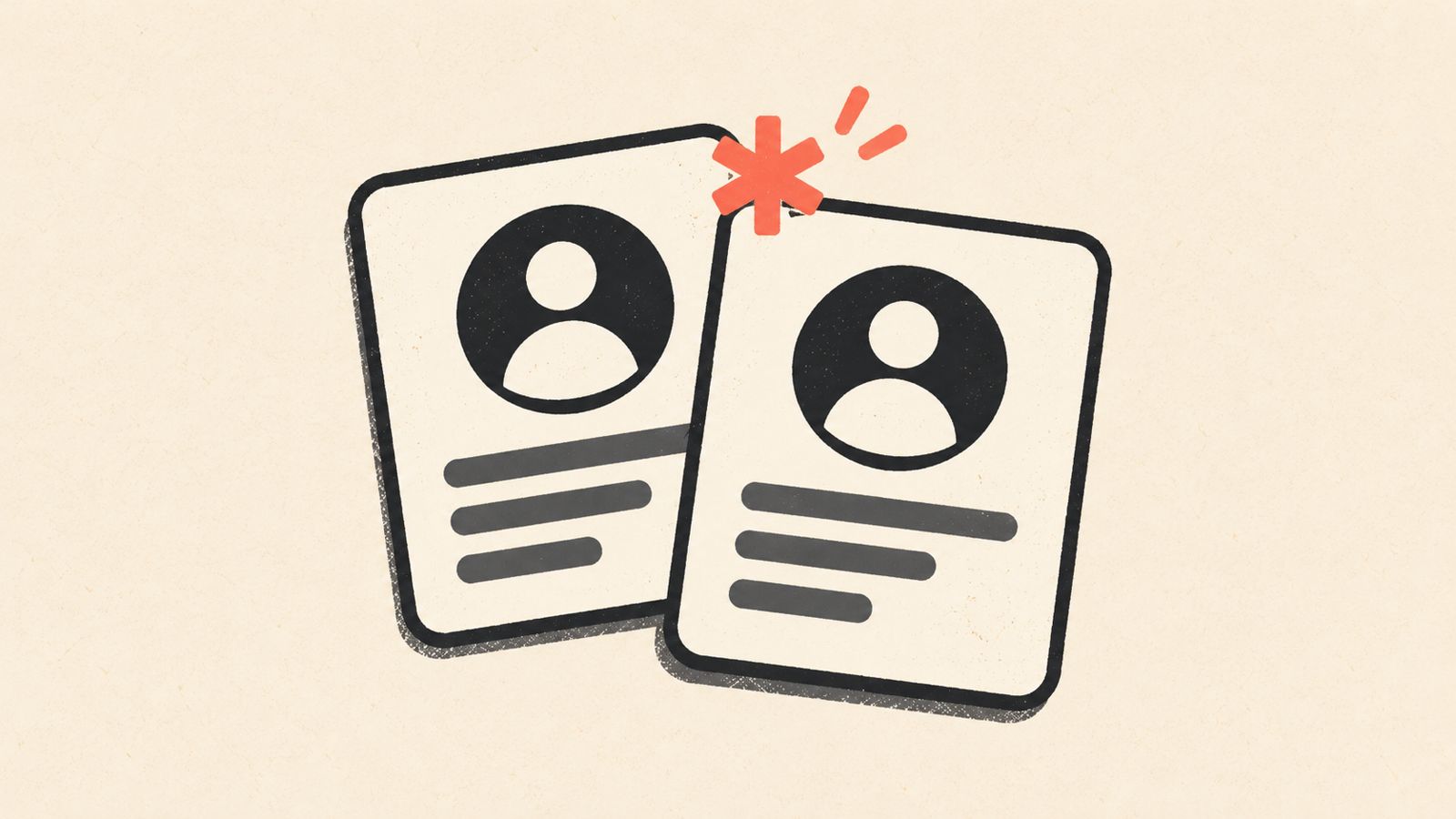
Duplicate contacts or companies, often created when the same customer calls in, fills out a web form, and gets added manually by a third person, none of whom checked whether a record already existed.
The team keeps a private spreadsheet or notebook because they do not fully trust the main system to have the full picture.
Leads are sitting unassigned, or the same lead has clearly been followed up by two different people without either one realizing it.
An automation that used to work has quietly stopped firing, often because a required field was left blank or a step in the process changed without the rule being updated.
Records are missing basic details (what the customer actually wants, where the job is, who last spoke with them), which makes it hard to trust any report pulled from the system.
If two or more of these sound familiar, a short cleanup (merging duplicates, filling in missing fields, archiving dead leads that will never close) is worth doing before adding automation on top. It does not need to be perfect. It needs to be accurate enough that a rule built on it behaves the way it is supposed to.
Who this suits, who it does not, and a realistic place to start
CRM automation tends to pay off once more than one person is handling leads or quotes, once the business is busy enough that something realistically gets missed, or once the same manual step (an assignment, a follow up, a handoff to scheduling) keeps coming up as the reason a job was lost or delayed.
It is less useful for a very small operation with a short, steady list of regular clients that the owner already tracks reliably without a formal system. Adding automation there is often solving a problem that does not exist yet, and the setup time would be better spent elsewhere.
For a business that does fit the first group, a realistic starting point is narrower than it might seem. Pick the one step that currently depends the most on someone remembering (most often this is following up on a sent quote, or assigning a new lead to a person). Automate only that one step first. Watch it for a few weeks to see whether it is catching what it is supposed to catch and whether anything needs adjusting. Only then add a second automation.
Trying to automate the whole pipeline (capture, assignment, follow up, scheduling, invoicing) in one pass is usually where these projects stall, because each piece depends on the data from the one before it being accurate, and a mistake early on multiplies through every step after it.
What changes when the handoffs are automated
- +Fewer quotes and leads go quiet
A follow up task gets created automatically instead of depending on someone remembering which quotes are still open.
- +Faster replies to the questions that decide a job
A reply or a new enquiry is assigned and visible right away, instead of sitting in an inbox until someone has a free moment.
- +A clearer picture of the real pipeline
What is actually open, quoted or scheduled lives in one place, rather than split between a system, a notebook and someone's memory.
- +Less retyping between tools
An accepted quote can move straight to scheduling without the same details being entered a second time by hand.
- +A system the team actually uses
Once people trust that leads will not get lost, the private spreadsheets and sticky notes tend to disappear on their own.
Where Underdog fits in, and where it does not
Underdog Creative Solutions works on AI Business Automation, which includes CRM automation, custom AI agents and connecting the tools a business already uses, so this is the kind of project the automation side of Underdog sets up directly: lead capture rules, assignment logic, follow up reminders and quote to job handoffs built around a business's existing CRM, scheduling tool or spreadsheet, rather than requiring a business to switch systems first.
The starting point is usually a plain look at what a business already has: what tool is in use, where leads actually come in from, and which one or two handoffs are causing the most dropped jobs. Sometimes the answer is automation on the existing setup. Sometimes the existing tool actually cannot do what is needed and a different one makes more sense. That is worth deciding in the open rather than assuming automation is always the fix.
Two other Underdog services connect naturally to this, without needing to be bundled together. An AI receptionist can answer calls and texts around the clock and create a CRM record automatically instead of leaving a voicemail nobody gets to until the next business day, which solves the capture step directly. A website that is built to be easy for both Google and AI tools like ChatGPT to read matters here too, because a web enquiry form is often the first entry point into the CRM, and a site that is hard to find or hard to read tends to produce fewer, lower quality leads to automate in the first place.
What this typically costs to set up, and how to get started
There is no single price for CRM automation because the cost depends on a few factors specific to each business: how many steps are being automated (one follow up rule is a much smaller project than a full lead to job pipeline), whether the existing CRM or scheduling tool already supports automation or needs a connector tool added, how messy the current data is and how much cleanup it needs first, and how much ongoing adjustment is wanted as the business changes.
Rather than comparing invented price ranges, it is more useful to ask any provider, Underdog included, a short set of questions before starting: exactly which steps will be automated and which will stay manual, how long setup realistically takes, who can see and edit the automation rules afterward, and what happens to the setup and the data if the business ever switches providers or tools.
There is no guarantee that automation alone will increase leads, win more jobs or save a specific number of hours. What it reliably does is remove the dependence on someone remembering to do a routine step.
Ready to talk? Call us at +1 833-998-1234, message us on WhatsApp at +1 306-518-7811, or email support@underdogcreativesolutions.com. You can also book a free 15-minute discovery call at underdogcreativesolutions.com/contact. We reply within four business hours.