// SMALL BUSINESS
AI Business Automation for Calgary Small Businesses: Where to Start

It is Monday morning at a multi crew HVAC company in northeast Calgary, and the office phone has not stopped ringing since seven. The dispatcher is juggling three inbound calls, a text about a job running late, and an email from a property manager asking about a quote sent last Thursday. By the time a fourth crew calls in for their next address, ten minutes have gone into just finding the right file. If you have searched for AI business automation Calgary owners can actually put to use, you have likely found agency pages with big promises and a few blog posts stating a starting price. This guide is different. It explains what AI business automation means, where a Calgary business should start, three first automations worth trying, what should stay with a person, and the questions worth asking any provider before you sign anything.
The problem: Calgary's small teams carry too many handoffs
Calgary's small business scene runs on a mix of trades crews, real estate and mortgage teams, restaurants and hospitality groups, and professional services firms. Almost none of them have a dedicated admin department. The owner, an office manager, or one very busy coordinator ends up sorting everything: phone calls, texts, website enquiries, emails, walk ins and social messages.
When that sorting happens by hand, the same three problems show up no matter the industry. Enquiries wait too long for a reply because the person who could answer is on a job site, showing a property, or serving a table. Details get typed into a calendar, then a spreadsheet, then an invoicing tool, and the second or third copy has a mistake in it. And follow ups, such as nudging a quote that has gone quiet or asking a happy customer for a review, get skipped because nobody has a spare hour to remember them.
Calgary adds its own rhythm to this. A multi crew trades business can go from steady to overloaded within days when a cold snap hits or a storm rolls through. A real estate or mortgage team sees enquiries spike around spring and early summer. A restaurant group juggles reservations, takeout orders and staffing questions across more than one location at once. None of this points to a badly run business. It is what happens when the volume of small, repeatable tasks grows faster than the number of people available to handle them.

What AI business automation actually means
Business automation means setting up your tools so a task happens on its own once something triggers it. A lead fills out a form, so a contact record is created and a confirmation goes out. A job is marked complete, so a review request is scheduled for two days later. That kind of rule based automation has existed for years and still does most of the heavy lifting.
AI business automation adds a layer that can handle messier input. Instead of only following an exact rule, an AI model can read an incoming message, work out what the person is actually asking, draft a reply for a person to check, pull the right details into the right fields, or decide which team member should see it next.
A short glossary helps, since the vocabulary gets thick fast. A workflow is a repeatable series of steps, such as enquiry, quote, booking, invoice. An integration is a connection that lets two tools share information, for example a website form and a customer list. A CRM, or customer relationship management system, is where customer details and conversations are kept. An AI agent is an AI set up to carry out a defined job, such as sorting incoming enquiries or answering common questions, within limits a business sets.
It is worth being equally clear about what AI business automation is not. It is not a robot that runs a company. It is not a single piece of software installed once and forgotten. It is a set of connections and helpers built around how a business already works, and it needs checking and adjusting as that business changes.
How an automated workflow is actually built
Every useful automation, simple or elaborate, has the same four parts.
Trigger: something happens that starts the process. A new website enquiry, a missed call, a paid invoice, a job scheduled for tomorrow.
Information: the workflow gathers what it needs, from the message itself, from a customer list, from a calendar, or from a price list a person has approved.
Action: the workflow does something. It creates or updates a record, sends a text or email, adds a task for a team member, books a slot, or drafts a reply.
Human checkpoint: for anything involving money, a promise to a customer, or a sensitive situation, a person reviews the result before it goes out, or the workflow hands off to a person automatically.
The AI part usually sits in the middle, turning an unstructured message into something the rest of the workflow can use. Everything else is careful setup: connecting the tools a business already uses, writing clear rules about what the workflow may and may not do, and testing it against real examples before anyone relies on it.
This is why the starting point matters more than the technology. A workflow built on messy, inconsistent information produces messy, inconsistent results. For many Calgary businesses, the first useful step is tidying how enquiries and customer details are recorded, before any AI gets involved at all.
Three first automations worth trying in Calgary
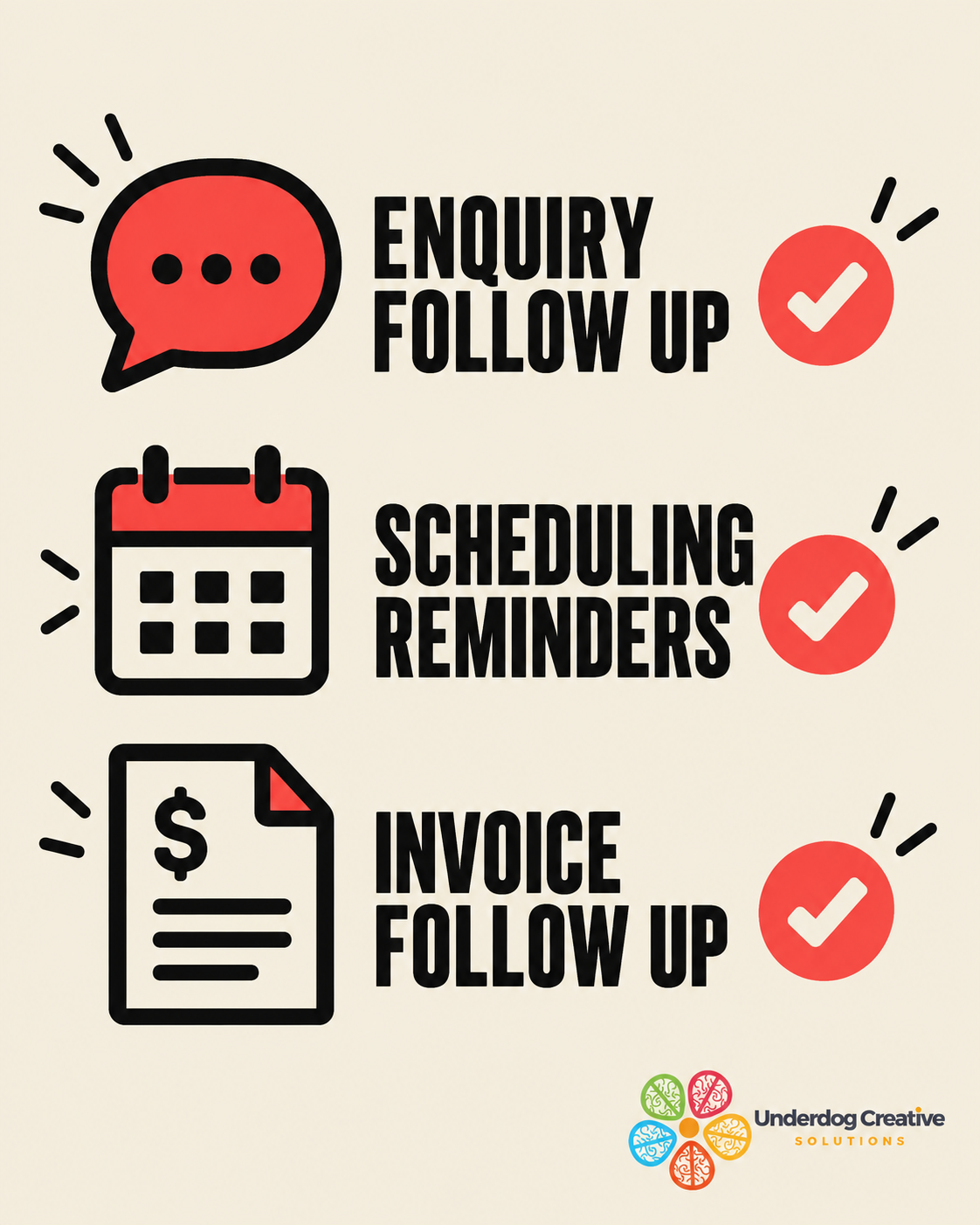
Rather than trying to automate the whole business at once, most Calgary owners get further by picking one of these three starting points.
Enquiry and lead follow up. A new enquiry, whether it arrives by phone, text, website form or social message, gets acknowledged right away and the key details are captured in one place instead of three. Example: a multi crew HVAC or electrical company in Calgary has enquiries coming in from a website form, a Google Business Profile message and after hours calls. A workflow can log each one, ask the standard triage questions, and flag anything that sounds like an emergency for a person to call back immediately. The human checkpoint: a dispatcher confirms scheduling and any emergency call gets a person on the phone, not just a message.
Appointment and job scheduling with reminders. Once a booking is confirmed, reminders, confirmations and rescheduling requests can run without anyone chasing them by hand. Example: a real estate or mortgage brokerage with several agents can have showing confirmations, document reminders and follow up check ins go out automatically after a client meeting, while every reminder is reviewed by the agent before the first send is set up. The human checkpoint: an agent approves the message templates once, and reviews anything that is not a standard follow up.
Invoice and payment follow up. Polite reminders for unpaid invoices are one of the easiest places to start, because the rules are usually clear and the risk of a small mistake is low. Example: a Calgary restaurant group with catering and events on top of regular service can automate reminders for outstanding catering invoices on a set schedule, while a manager still approves any discount, refund or payment plan. The human checkpoint: a person handles anything outside the standard reminder sequence.
These are examples of how the pieces fit together, not a promise of what any specific setup will do. The right starting point depends on which task is costing your team the most time each week.
What should stay with a person
Good automation is not about removing people from the business. It is about giving them back time for the parts of the job that actually need them. Some things should always have a person in the loop, whatever industry a Calgary business is in.
Anything involving prices, quotes, contracts or refunds. Anything that makes a promise to a customer about timing or results. Complaints, upset customers and delicate conversations. Emergency or safety related calls, such as a gas smell, a burst pipe or a security concern. Decisions that involve more personal information than the task actually needs.
A sensible setup also includes a clear way for a customer to reach a real person, a record of what the automation did so it can be reviewed, and a habit of checking a sample of its work each week when a workflow is new. If a business collects personal information from customers, Canadian privacy law can apply to how that information is stored and used, and any provider worth working with should be able to explain in plain language where the data goes and who can see it.

Questions to ask an AI automation provider before you sign
Most of the agency pages a Calgary owner finds when researching this topic focus on the tools and the pitch. Before signing anything, it is worth asking a provider these questions directly, and writing down the answers.
What exactly will be connected, and to which of our existing tools? A good answer names the specific systems, not just categories.
What happens when the AI gets something wrong? Ask for a real example of a failure and how it was caught, not just a reassurance that checks exist.
Where does our customer data go, and who can see it? This matters under Canadian privacy law, and a provider should be able to explain it clearly.
What is included in the build, and what costs extra afterwards? Ask specifically about training time for your team, support once it is live, and what happens if a connected tool changes.
Who reviews the automation's output, and how often? If the answer is nobody after the first week, that is a warning sign.
Can we start with one workflow before committing to more? A provider confident in their work should be comfortable starting small and proving it before expanding.
There is no single best AI tool for business automation that suits every Calgary business. The right combination of tools depends on what you already use, how your team works, and which task is worth fixing first. Be cautious of any provider who recommends the same package to every client without first asking how your business actually runs.
Who this suits, who it does not, and what to do first
AI business automation tends to suit Calgary businesses with a steady flow of enquiries, bookings or invoices, multi crew or multi location operations where information has to move between people, and teams that already use some digital tools, such as a calendar, an accounting package or a customer list, that do not currently talk to each other. It also suits owners willing to spend an hour or two describing how their work actually happens before anything is built.
It is probably not the right time if you are still working out how your business should run day to day, since automating an unclear process just makes the confusion move faster. It is also likely too early if you receive only a handful of enquiries a month, where a simple checklist or a shared inbox may do the job just as well. And it is not for anyone looking for a tool that removes the need for oversight entirely, because that does not exist.
What to do first: for one week, write down every repetitive task you or your team do, and roughly how long each one takes. Circle the two or three that happen often, follow clear rules, and carry low risk if something goes wrong. Note which tools each one touches. That short list is the best possible starting point for a conversation with any provider, and it will tell you quickly whether automation is worth pursuing right now.

What a well planned automation can help with
- +Faster first replies
Enquiries can get an acknowledgement and the right questions straight away, even when your team is on a job or with a customer.
- +Fewer double entries
Details move between the tools you already use instead of being retyped into each one.
- +Consistent follow up
Reminders, quotes and review requests go out on schedule instead of depending on memory.
- +A clearer view of the pipeline
Enquiries, bookings and jobs are recorded in one place instead of scattered across inboxes.
- +Less evening admin
Routine tasks run in the background so people can spend their time with customers.
- +Fewer dropped balls
Tasks are assigned and tracked, so nothing depends on one person remembering.
- +Room to grow
Handling more enquiries does not automatically mean adding more admin help.
How much does an AI automation cost, and what to do next
The short answer to how much does an AI automation cost is that it depends on a small number of factors: how many workflows you want, how many tools need to be connected, how tidy your existing information already is, how much testing and review the setup needs, and whether you want ongoing support afterwards. Because those factors vary so much from one Calgary business to the next, we do not publish a single number here, and you should be cautious of any provider who quotes a price before understanding your setup.
The fastest way to get a clear answer is to describe your busiest repetitive tasks and let us tell you what is realistic for your business. A sensible next step is a short, low pressure conversation. Message us on WhatsApp at +1 306-518-7811 (https://wa.me/13065187811) or call +1 833-998-1234. You can also book a free 15-minute discovery call at underdogcreativesolutions.com/contact.
How Underdog approaches AI business automation in Calgary
Underdog Creative Solutions is a Saskatoon based agency that works with small and growing businesses across Canada and the United States, Calgary included. Our AI business automation work includes custom AI agents, CRM automation and AI integrations, which means connecting the tools a business already uses rather than asking it to replace them.
We also build websites, create content and set up AI receptionists, and the four services fit together in a natural order for many businesses. A modern website gives customers, and AI tools such as ChatGPT that read the web, clear information to find. Ongoing content builds visibility and trust over time. An AI receptionist answers calls and messages, captures details and books work. Automation then carries that information into a customer list, a calendar and the follow ups that come after.
A Calgary business does not need all four at once. Many begin with just one, and we would rather help work out which one is worth starting with than sell a bundle nobody asked for.
Frequently asked questions
Talk to Underdog about your business
Have questions about your website, content, AI receptionist or business automation? Message us on WhatsApp at +1 306-518-7811 (https://wa.me/13065187811) or call +1 833-998-1234. You can also email support@underdogcreativesolutions.com.
Follow Underdog Creative Solutions on Facebook, Instagram, LinkedIn, and YouTube for practical AI and marketing ideas for Canadian small businesses.